 Zvinok
Make it a conversation
Share your plans, catch up on the news, and bring your favorite people into one chat.
Personal and group chats
Zvinok
Messages, calls, and your favorite people, all in one place. For conversations you want to keep going.
Download Zvinok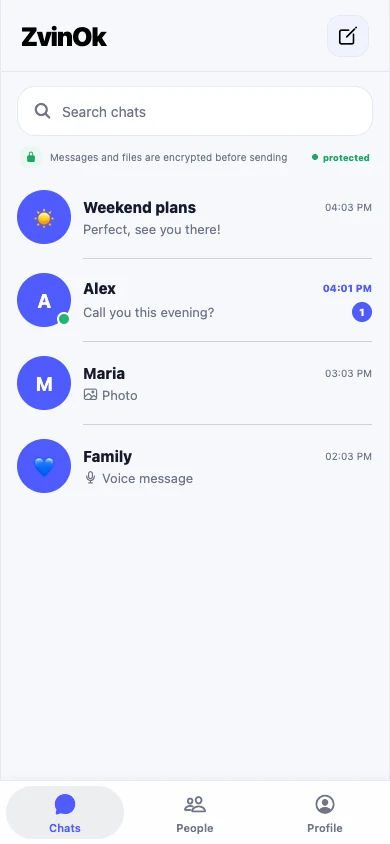

App screens · demonstration data
From a quick “how are you?” to your next big plan. The essentials for everyday connection.
Share your plans, catch up on the news, and bring your favorite people into one chat.
Personal and group chatsSometimes a voice says more than a message. Make a call or send a voice note.
Voice and video callsA photo from your walk, a funny video, or that important file. Send it right in your chat.
Photos, videos, and filesChoose where you feel most at home.
Public Android and iPhone releases are on their way.
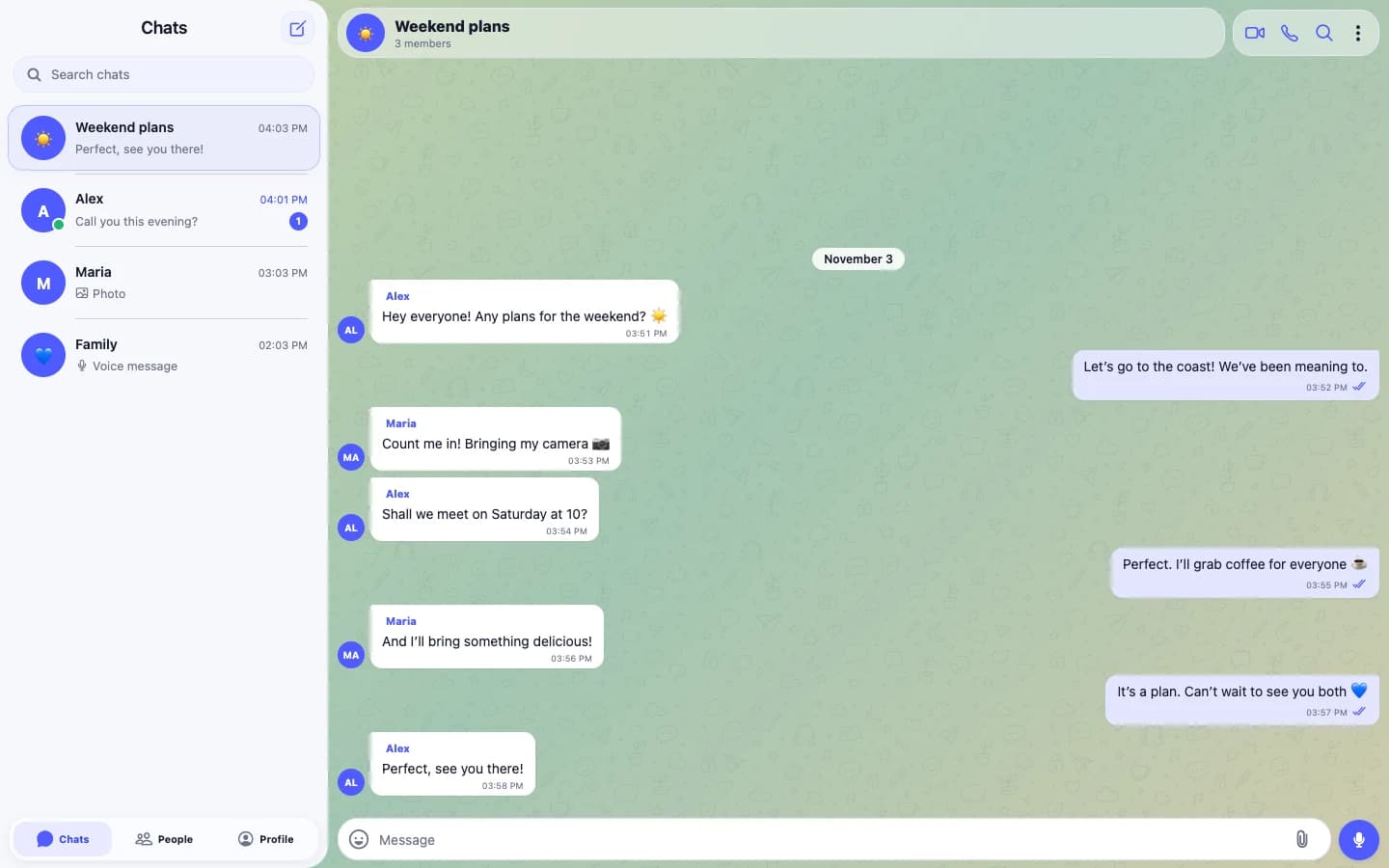
A familiar interface that makes room for what matters: your people and your conversations.
The Apps section has verified Windows and macOS installer links. Android and iPhone are marked “Coming soon”. Public download links will appear here when they are available.
Choose Apple silicon for a Mac with an M1, M2, M3, M4, or newer chip. Choose Intel for a Mac with an Intel processor. Check yours in the Apple menu → About This Mac.
Install the app and follow the instructions on its welcome screen. After signing in, find someone by their username and open a chat.
Zepi is the project’s previous name. The available Windows release still uses it in the installer filename. The link points to a verified file from the project’s release channel.
This website introduces Zvinok and helps you download it. Use the installed app for messages and calls.
Let distance be just a number on a map.
Download Zvinok